
Your whole team, one tap away.
Clocking in, the rota, holiday, shift swaps, documents and team chat in one app. Download it from the App Store or Google Play, sign in with Face ID, and it keeps working when the signal doesn't.
Everything staff need, nothing they don't
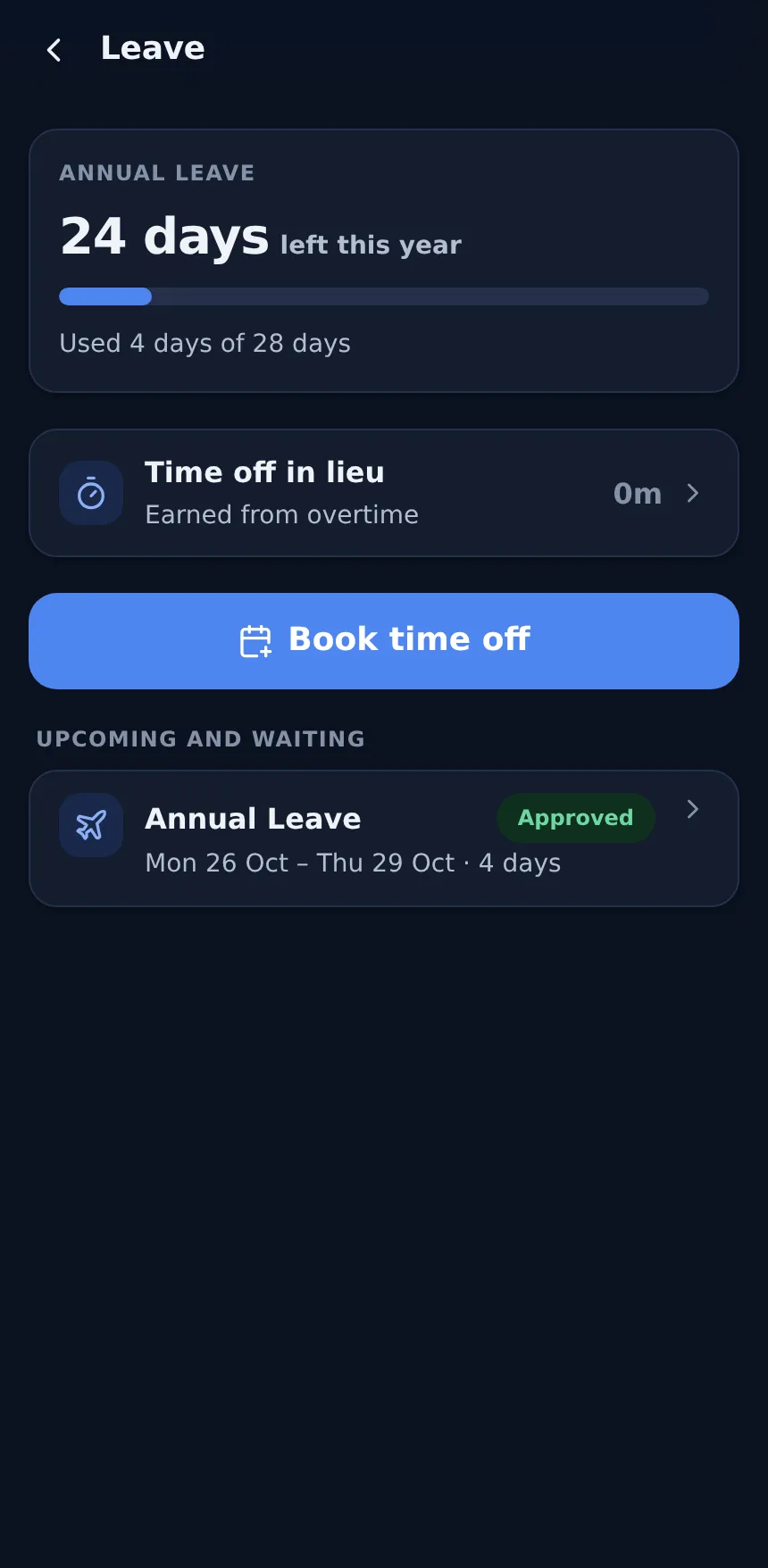
One app for every employee, on iPhone and Android, in light or dark mode.
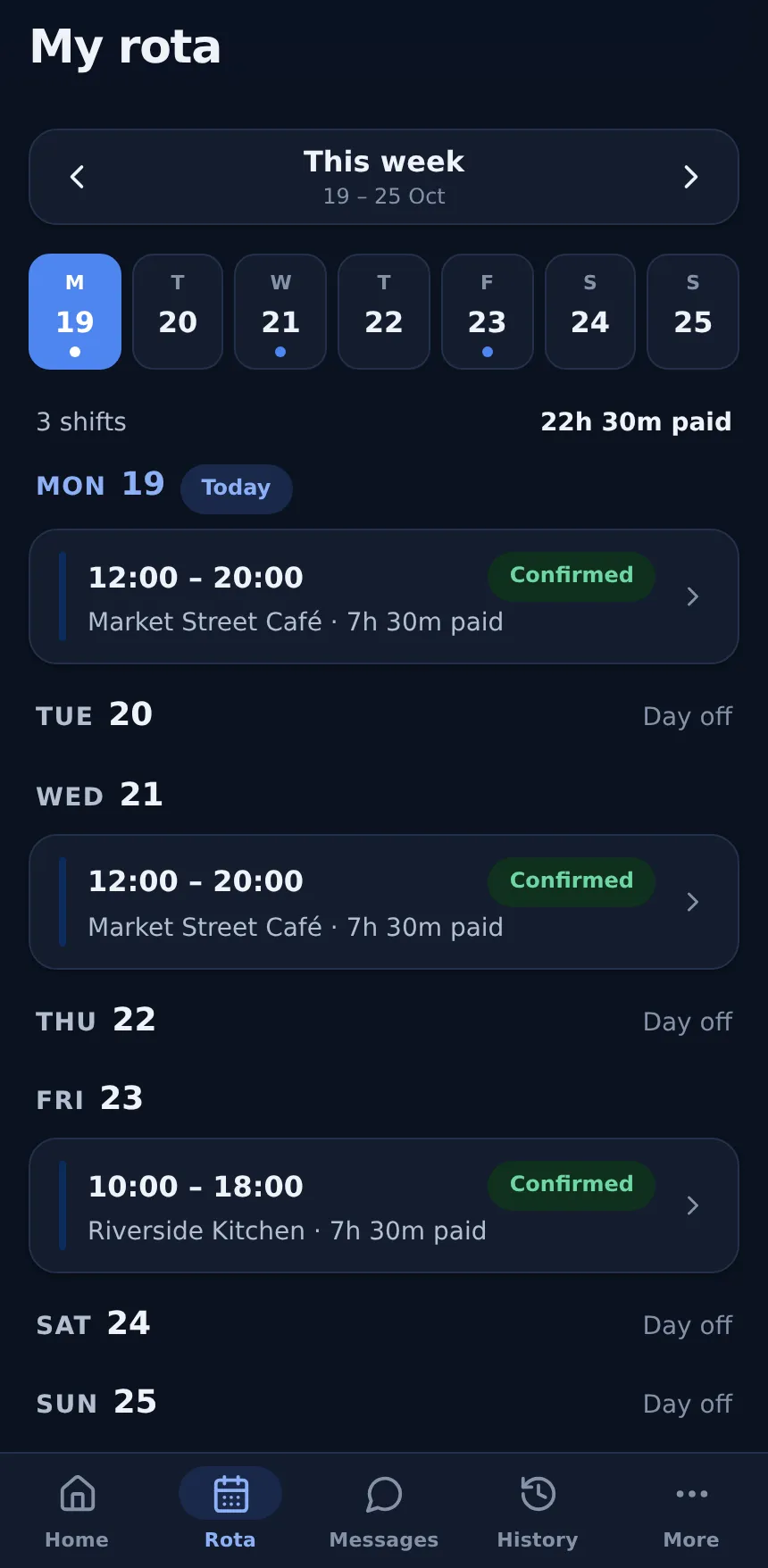
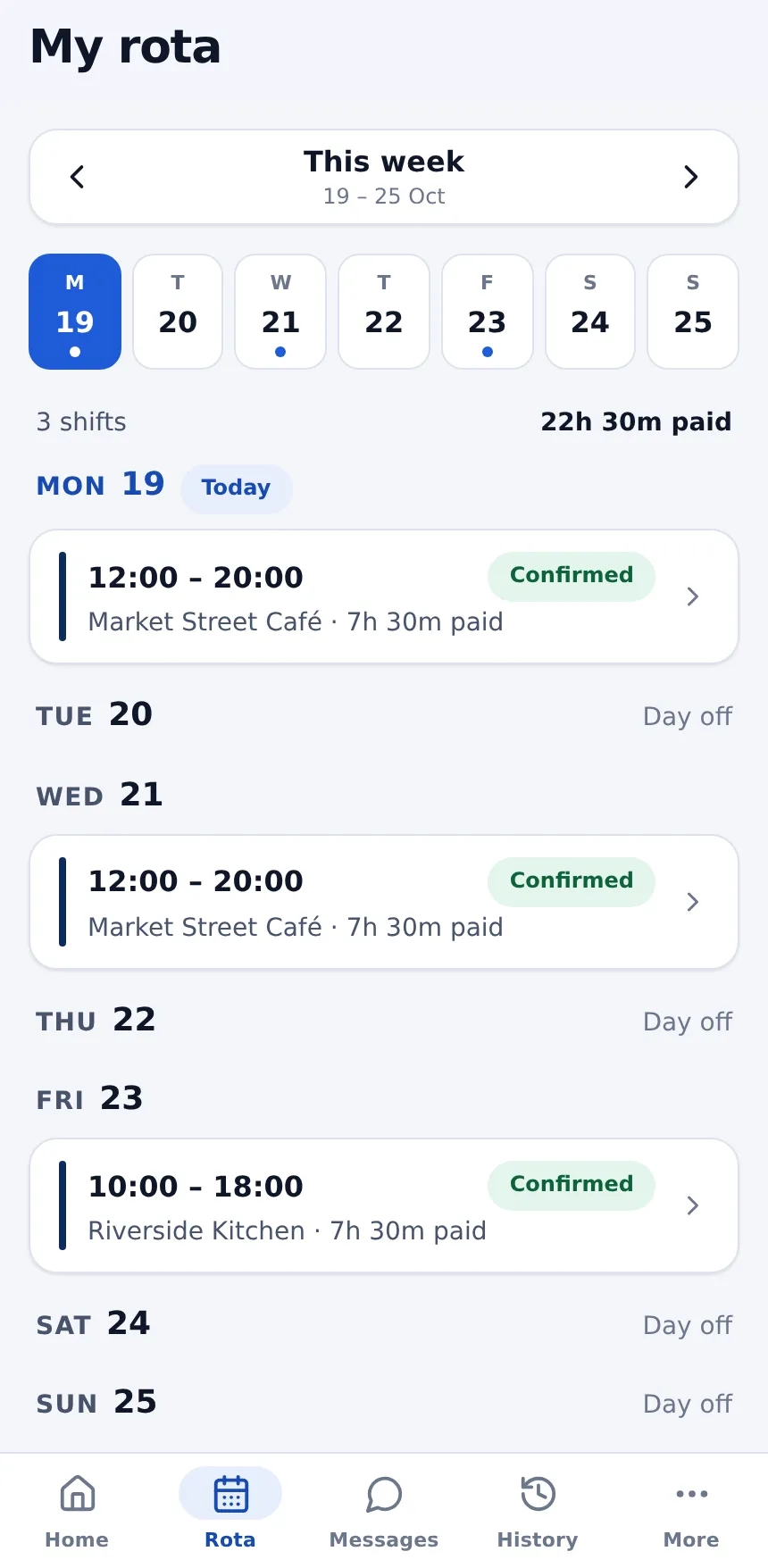
My rota
The week at a glance, with site address and directions. Accept a shift, say you can't work it, or swap it instead.
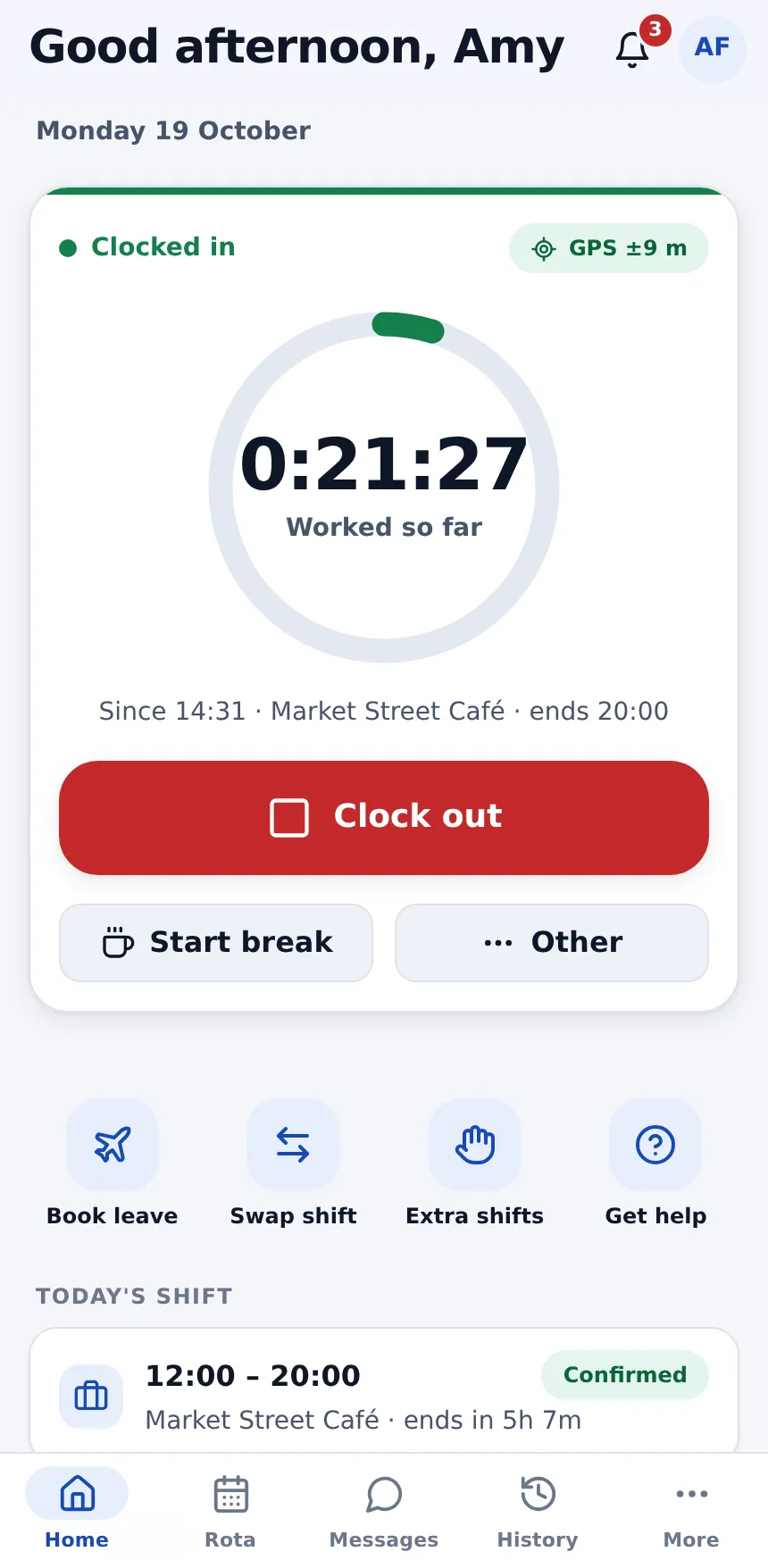
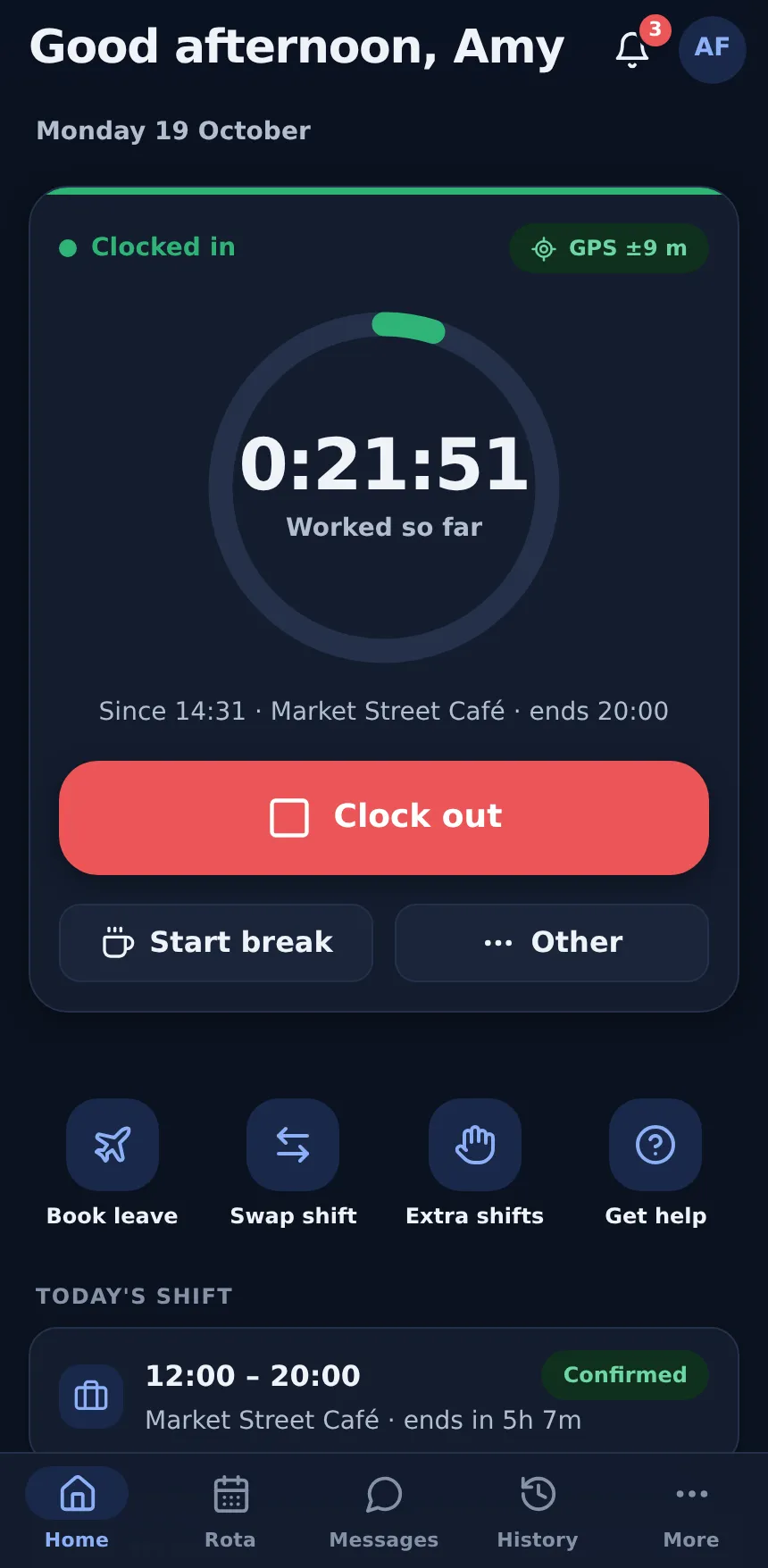
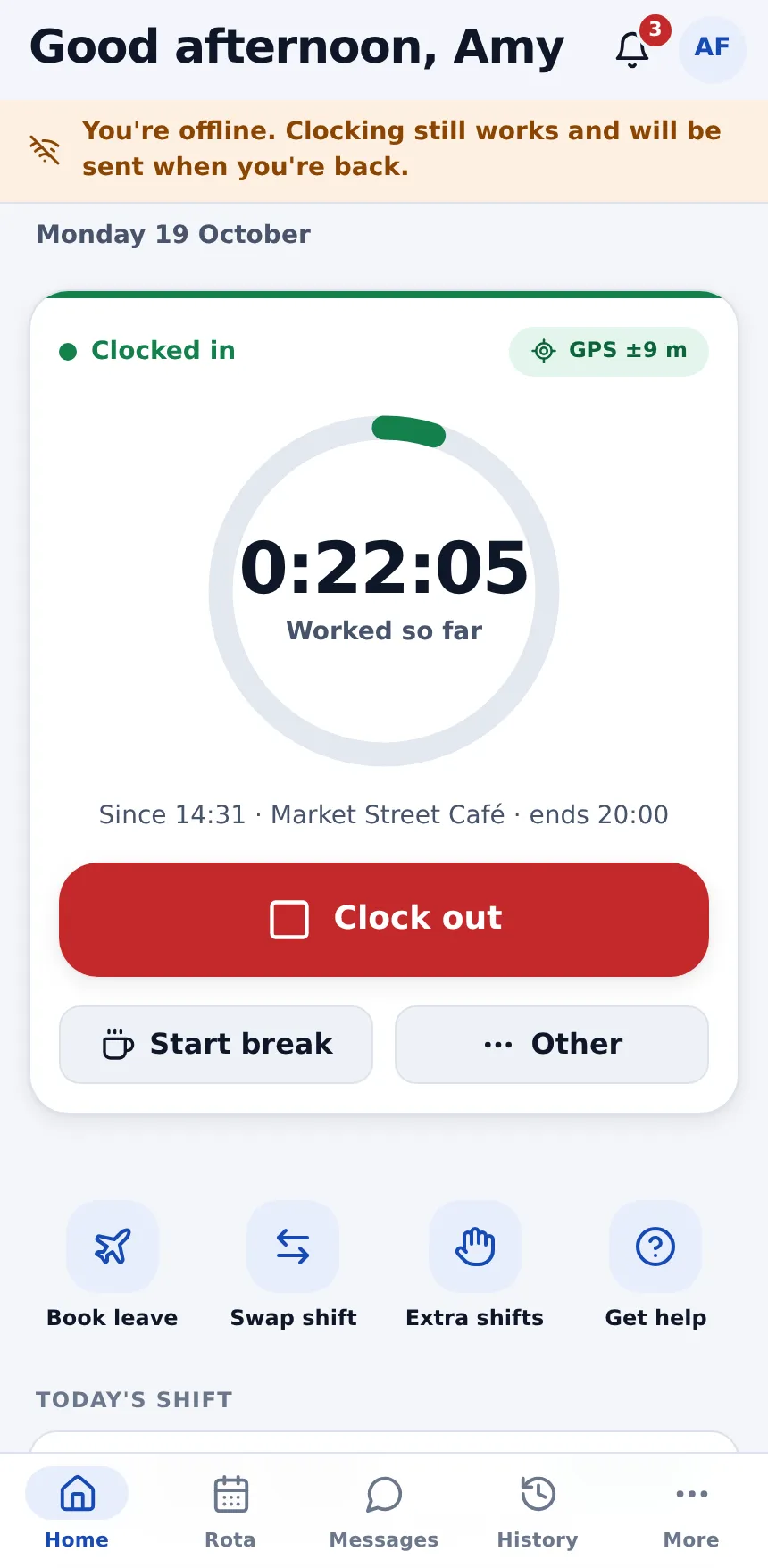
Clock in & out
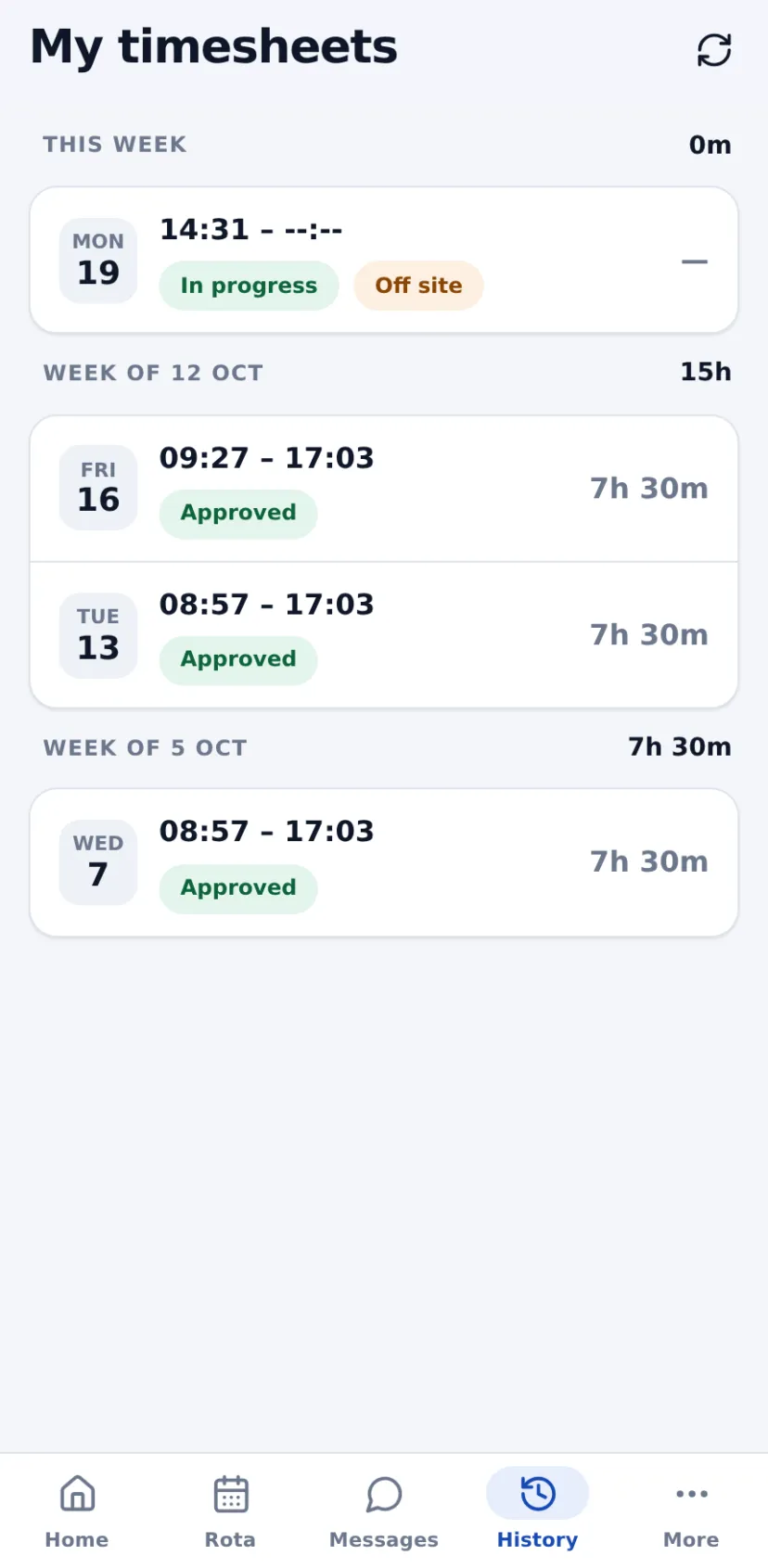
A live shift timer, GPS site check, optional selfie, and breaks, lunch, meetings or training timed with a tap.
Works offline
Clock-ins are saved on the phone and sent once, in order. This week's rota, timesheets and help articles open without signal.
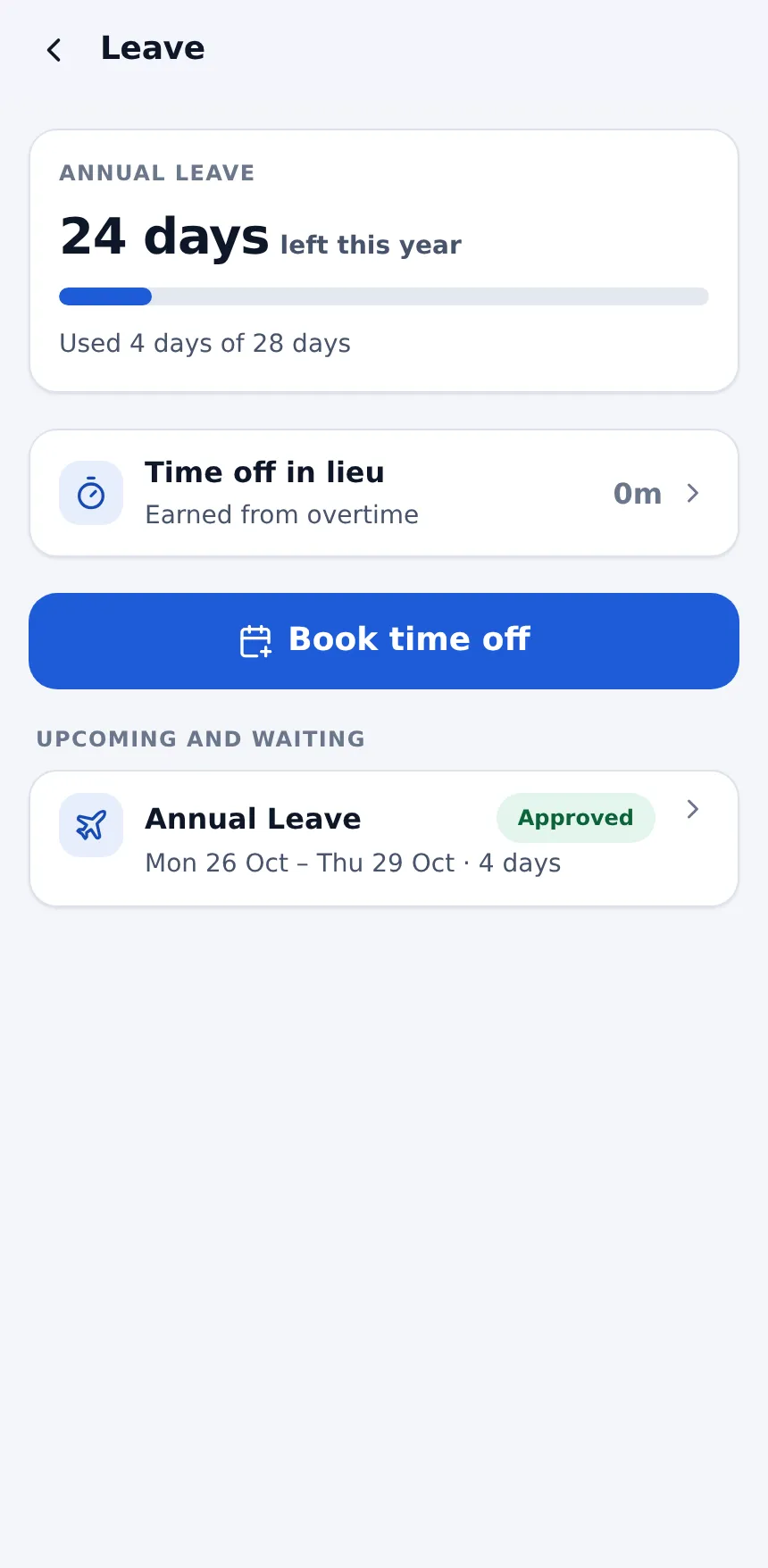
Leave & TOIL
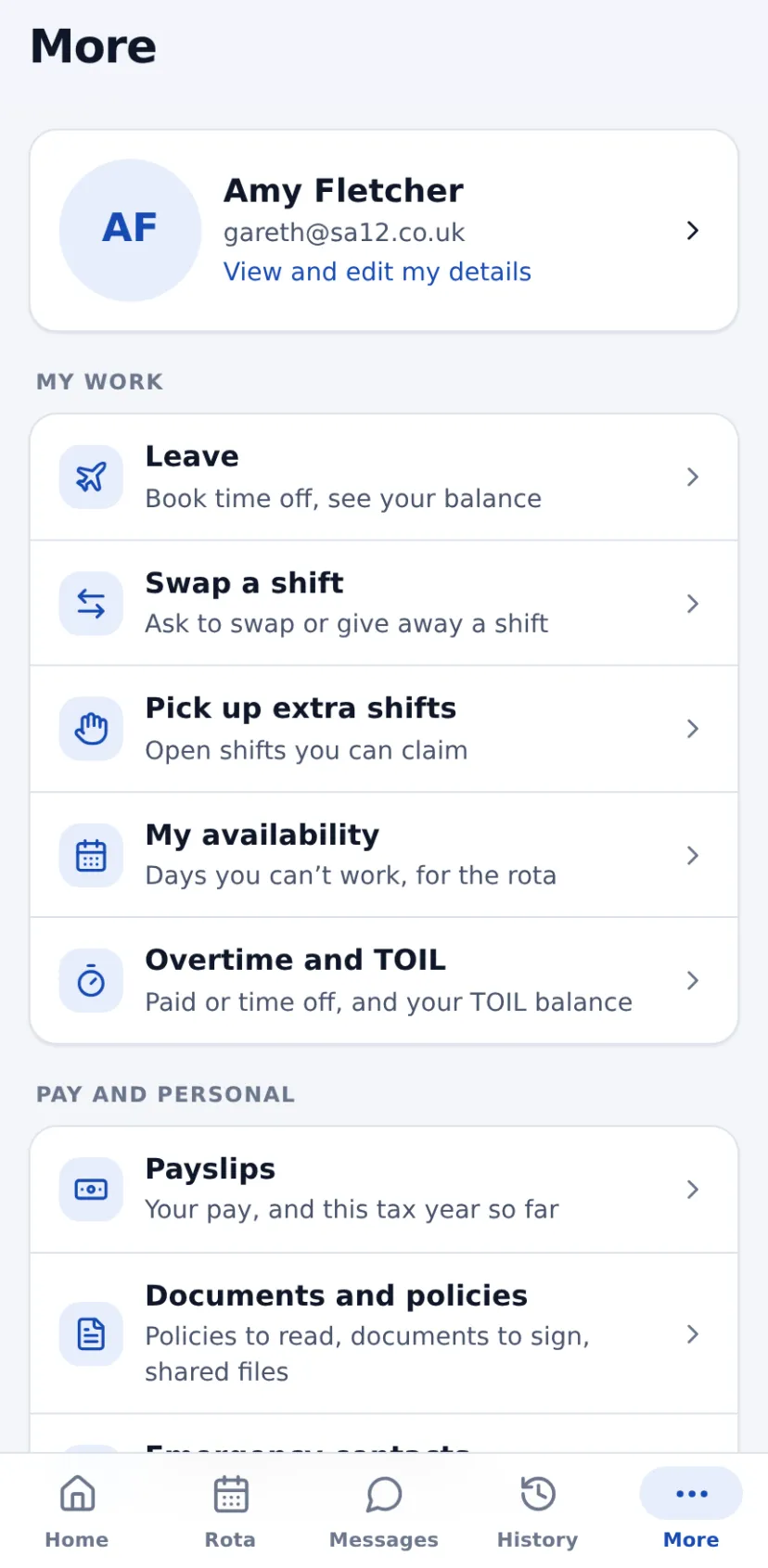
See balances, book time off, change a waiting request or cancel one, and choose paid overtime or time off in lieu.
Extra shifts & availability
Pick up open shifts and mark the days you can't work, on dates or every week.
Documents & policies
Read and confirm policies, sign documents sent for e-signature, and open files shared with you.
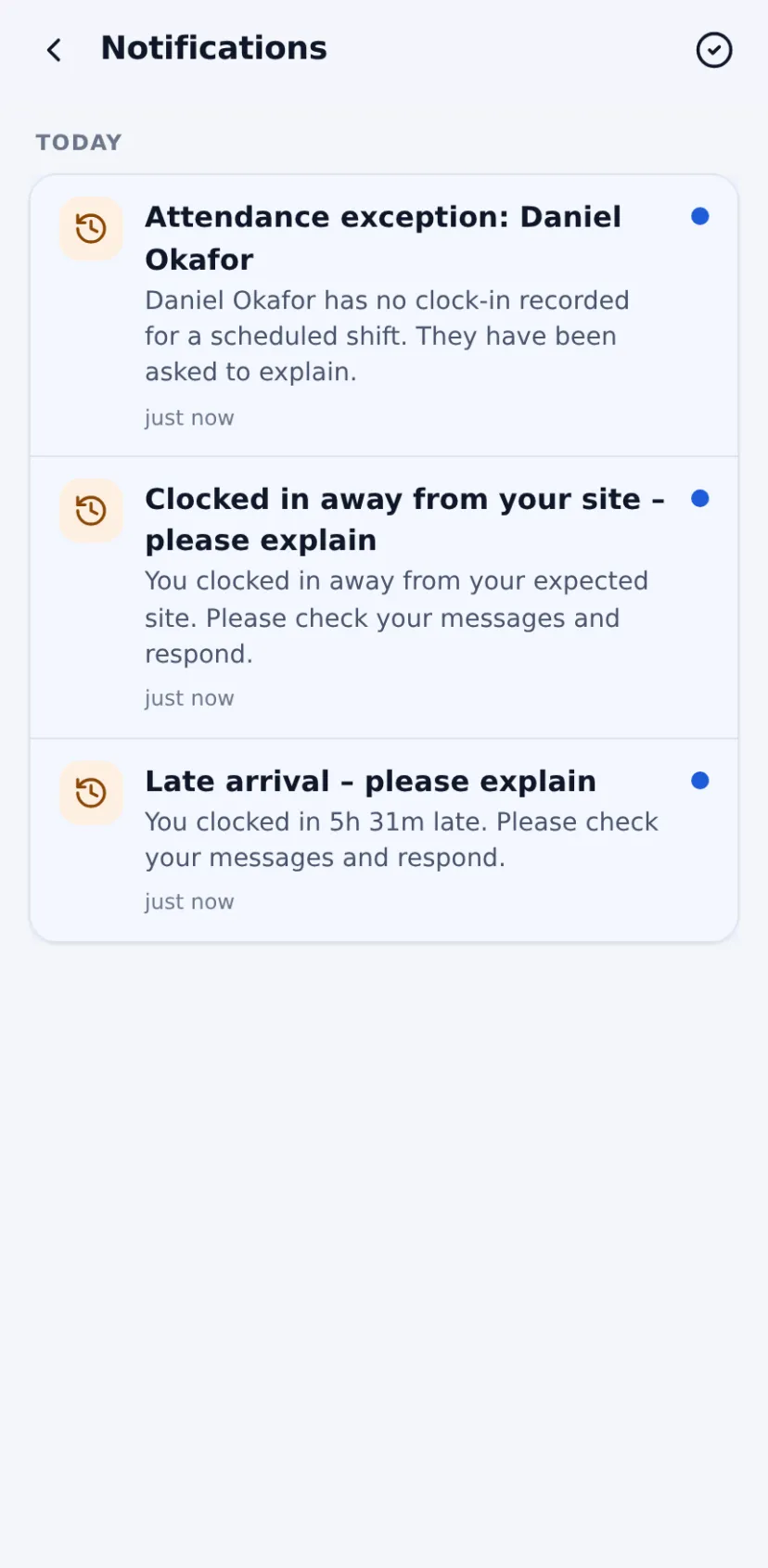
Messages & alerts
One-to-one and group chat. Push notifications open the exact screen, with a badge on the app icon.
Face ID & security
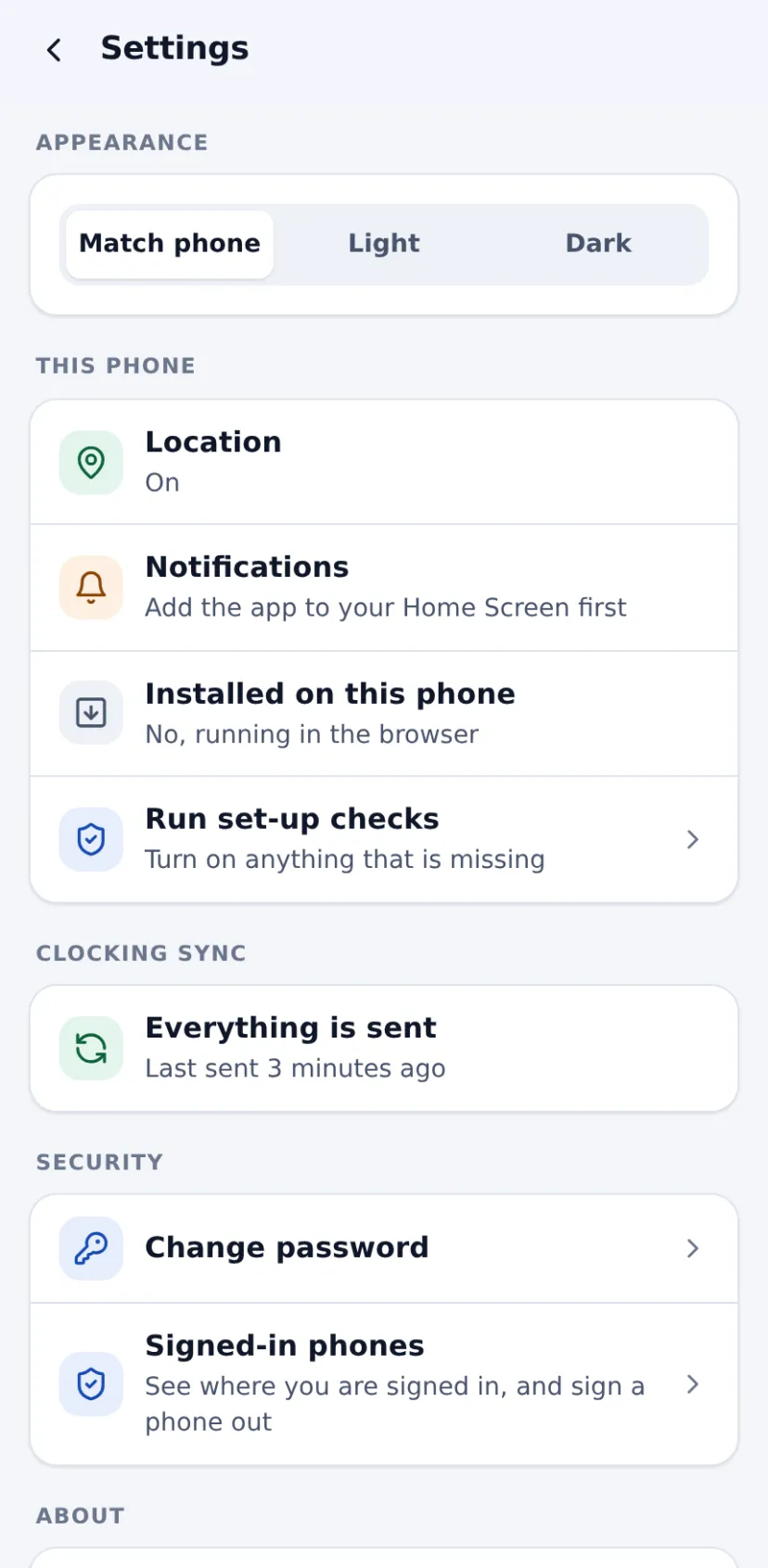
Sign in with Face ID or a fingerprint, stay signed in on poor signal, and sign out a lost phone from another.
Help built in
Help articles (the recent ones work offline) and support tickets with photos, straight from the app.
Built for the people on shift
Staff apps compared
What employees can do on their phones with each platform.
| Feature | atlasHR · WfMHubby SA12 | ConnecteamFrontline staff app | DeputyShift scheduling | BrightHRHR software + advice | PlandayRotas & workforce | RotaCloudRotas & attendance | BreatheSME HR software | When I WorkShift scheduling |
|---|---|---|---|---|---|---|---|---|
| Trial & terms | ||||||||
| Free trial | 14 days, no card | 14 days, no card | Up to 31 days, no card | No free trial (free Rota Lite) | 30 days, no card | 30 days | 14 days, no card | 14 days, no card |
| Contract | Rolling monthly, 30 days' notice | Monthly or annual; charged in US$ | Monthly (£20 minimum) or annual | 24–60 months, 6 months' notice | Plus: 12 months, auto-renews | No contract | Rolling monthly | Monthly or annual; charged in US$ |
| Time & attendance | ||||||||
| Clock in/out on a phone | Included | Included | Included | Included | Included | Paid add-on or higher plan | Paid add-on or higher plan | Paid add-on or higher plan |
| GPS / geofenced clocking | Included | Included | Included | Included | Included | Paid add-on or higher plan | Paid add-on or higher plan | Paid add-on or higher plan |
| Photo at clock-in | Included | Included | Included | Not published | Not published | Paid add-on or higher plan | Not published | Paid add-on or higher plan |
| Rotas & scheduling | ||||||||
| Open shifts staff can claim | Included | Included | Included | Included | Included | Included | Paid add-on or higher plan | Included |
| Shift swaps | Included | Included | Included | Not published | Included | Included | Paid add-on or higher plan | Included |
| Staff availability | Included | Included | Included | Partly / limited | Included | Included | Paid add-on or higher plan | Included |
| Holiday & absence | ||||||||
| Holiday requests & approvals | Included | Included | Included | Included | Included | Included | Included | Included |
| Time off in lieu (TOIL) | Included | Not published | Included | Included | Included | Included | Included | Not published |
| Core HR | ||||||||
| Announcements & team chat | Included | Included | Included | Partly / limited | Included | Partly / limited | Partly / limited | Included |
| Platform & support | ||||||||
| iPhone app | Included | Included | Included | Included | Included | Included | Included | Included |
| Android app | Included | Included | Included | Included | Included | Included | Included | Included |
Competitor information comes from each vendor's own website, help centre and price pages, checked on 19/10/2026. Prices are in pounds sterling, excluding VAT; where a vendor only publishes US dollars we converted at the rate shown on its page. "Not published" means we couldn't confirm it either way. Spotted something out of date? Tell us and we'll correct it. Full sources are listed on each comparison page.
Questions about staff app
Is it in the App Store or Google Play?
Does it work on iPhone and Android?
What if there's no signal?
Can managers use it?
Works hand in hand with
Get your team on the app this afternoon.
Start a free trial and have your team set up in minutes, or book a 20-minute demo and we'll show you on your own shift patterns.